Welcome to this adventure, where I write about the process of our latest game, Devils on the Moon pinball.
We are ramping up to the final stages of the game, so I had to cross off one of our long standing pending features: The Pinball spinner
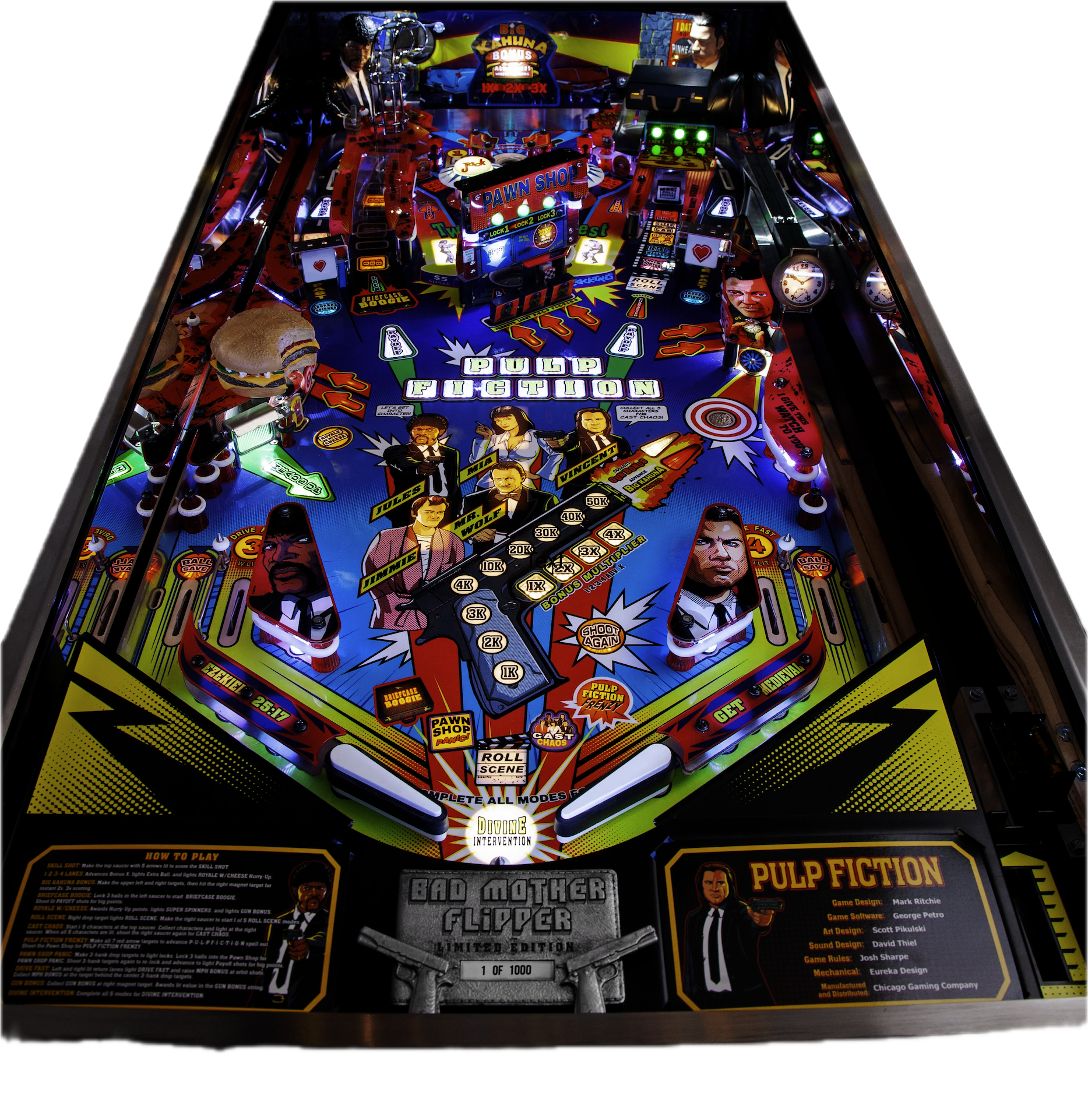
From the beginning of development, when the idea to make a pinball game started, we were excited about the spinner. Jp had to figure out a way to use Blender to generate rotated sprites that looked good (hopefully one day he will have enough time to talk about it here). And we played the physical table of Pulp Fiction, and we fell in love with its spinner.
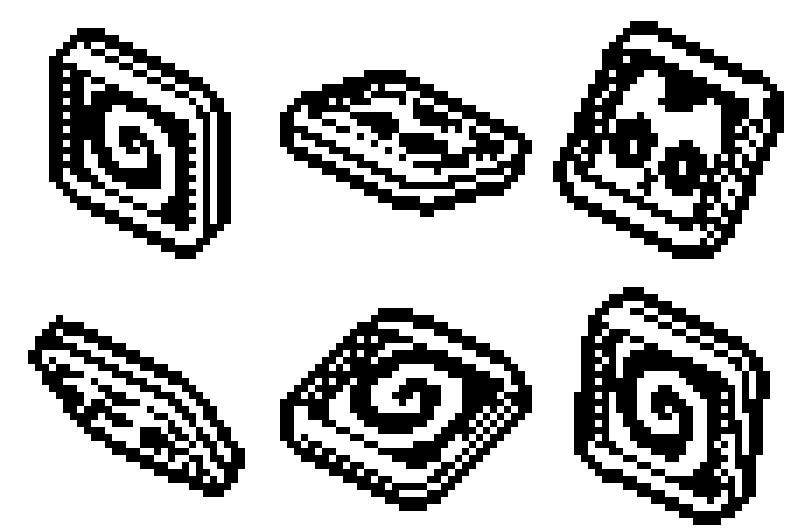
So Jp started working and soon enough had a good spinner sprite for me to implement in to the game.
Now we just needed a way to make it spin. The first step I needed was to detect if the ball was colliding with the spinner in some way. This was the first time we needed to know if the ball was inside a collision shape but didn't affect it as a physics body. So I implemented the sensor system.
The Sensors
Each sensor component has two buffers with a list of entity handles. Each frame it queries entities inside its collision shape using the spacial hashing and then compares the new list with the previous list of entities.
If there is an entity that is not on the previous frame list, it sends the event body_entered.
If an entity is missing from the previous frame, it sends the event body_exited.
As we only have one ball, at least for the main table, we are probably not going to have multi-ball. The check is really simple; I just go through both arrays and compare them one to one.
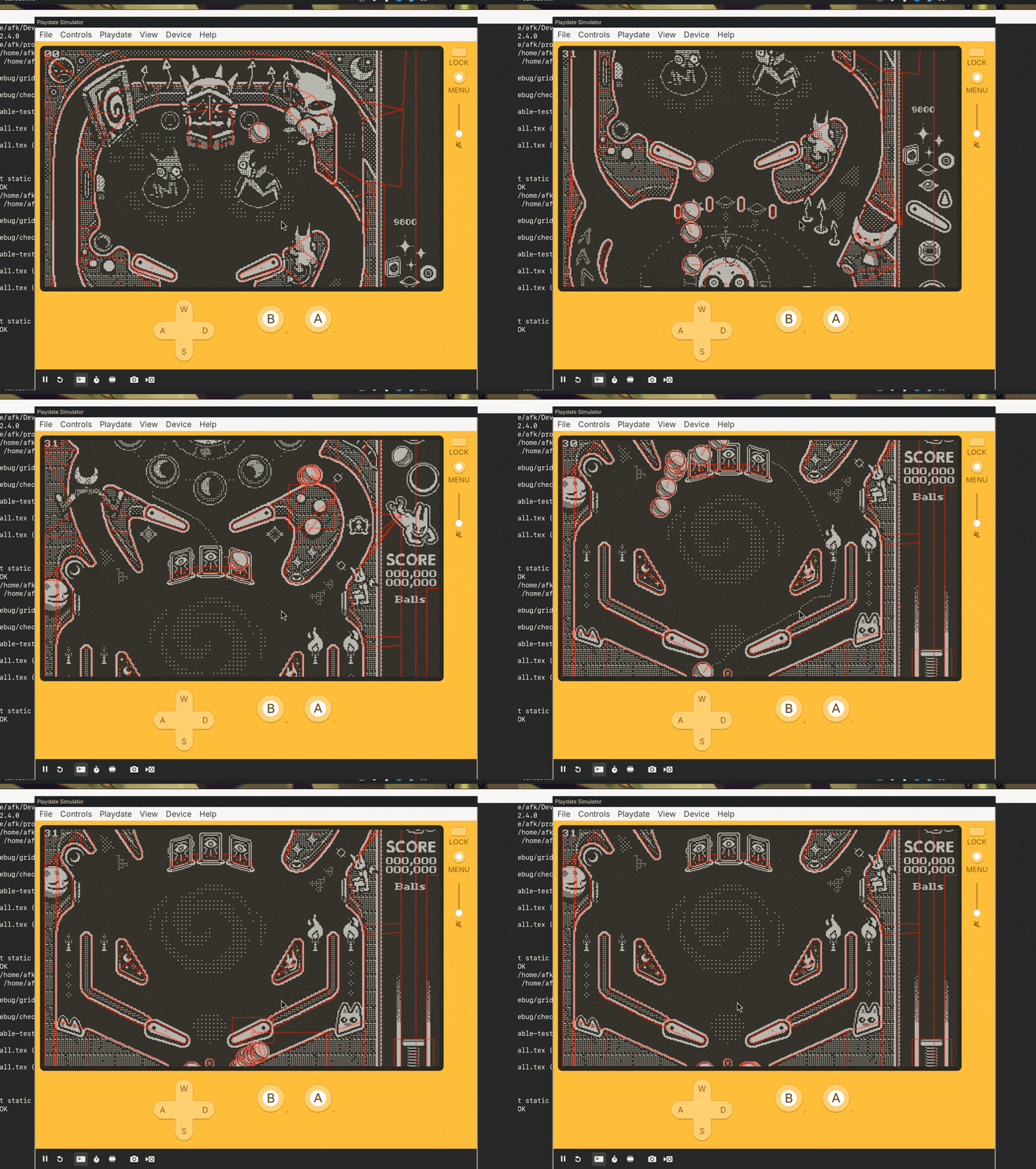
Another problem was, how do we decide which sensors should update each frame? We have over 70 sensors in the main table, some of them with complex polygon collision shapes. So I decided to use the ball to tell which one to update. I query a circle at the position of each of the balls that's 4 times the radius of the ball and mark all the overlapping sensors as dirty. Then we go through all the dirty sensors and update them.
Back to the spinner
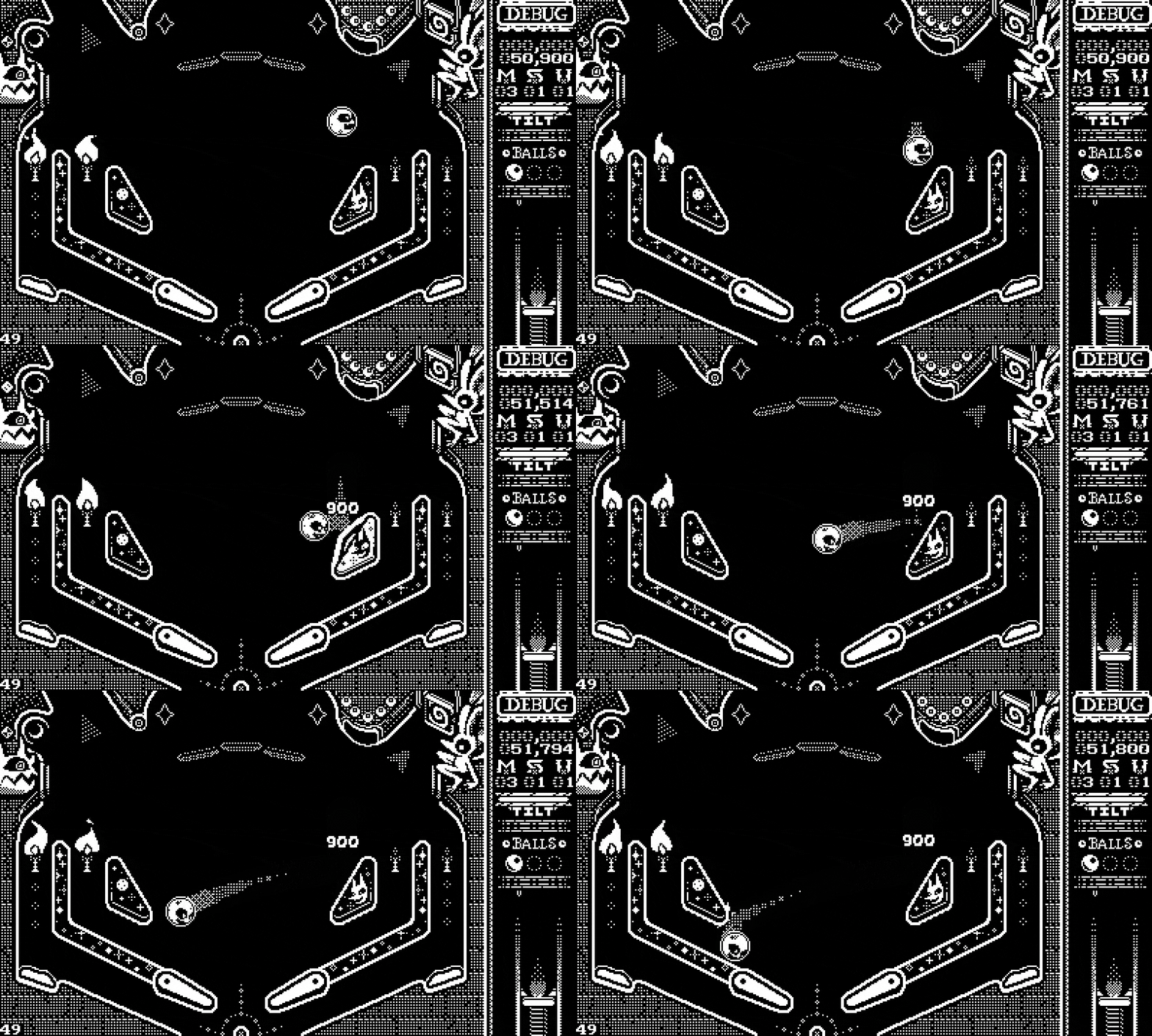
Having the sensors set up, the spinner logic became easy. If there is a ball inside the spinner sensor, the spinner angular velocity is equal to the ball velocity. And when it exits, I just apply a damping factor so the spinner would eventually stop.
Each 0.5f turn we count it as a spin, so we compared the previous angle to the new one, and if it changed enough, we notified a spin.
b32 did_spin = false;

if(spinner->handle.id != 0) {
	entity *ball = pinball_get(pinball, spinner->handle);
	spinner->vel = v2_len_sq(ball->body.vel);
}

f32 vel = spinner->vel;
f32 t   = spinner->t + (vel * dt);
i32 t_a = floor_f32(spinner->t * 2.0);
i32 t_b = floor_f32(t * 2.0);

if(t_a != t_b) {
	did_spin = true;
	spinner->spins++;
}

spinner->vel = vel * spinner->damp;
spinner->t   = t;

return did_spin;
The only problem with this is that the spinner would stop at some awkward rotation and stay like that until the ball entered again. That's not how pinball spinners work! They have a weight at the tips to make sure it always ends up perpendicular to the table. It worked but didn't feel as good.
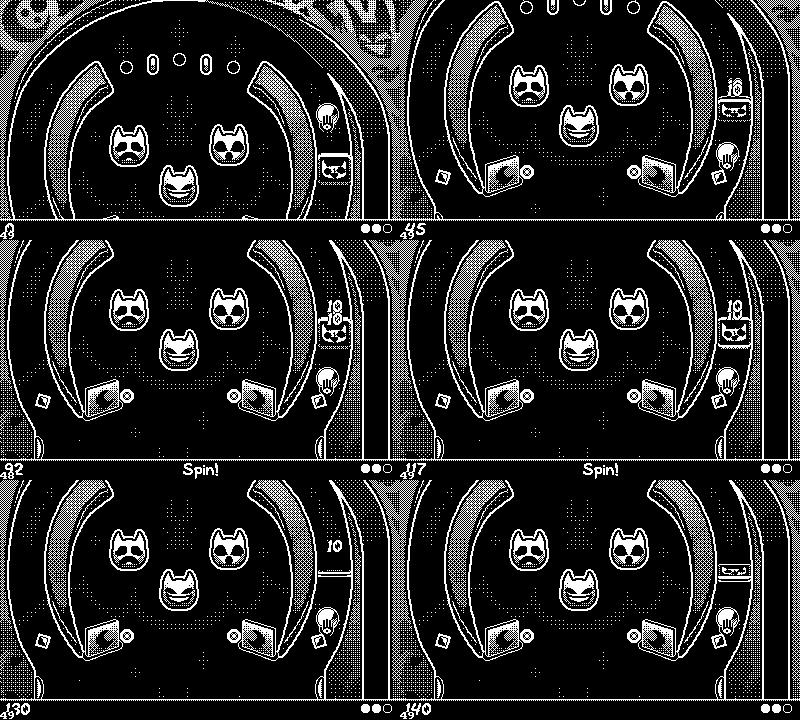
This is how the spinner in Catchadiablos works, by the way.
Springs
The first time I was reading about using springs for animation was from this great article by Josh W. Comeau. The article is full of interactive examples that helped the concept click. Since then I have used it sparingly for some little animations on our games. Another great resource is this video on a small script for Godot that helps you animate almost anything using springs.
When I started thinking about our spinner problem, I thought I would need to simulate some kind of pendulum using physics and that my cheap trick of just using the ball velocity was going away. And that's why I put if off for a long time, until I got this article on my RSS feed on springs and all their utilities. It's great! I greatly recommend it.
So I started thinking these springs surely look like the motion a pinball spinner.
I didn't have to change that much; just make sure to record the starting direction of the spinner as it will bounce back and forth until it gets to its resting angle.
Calculate the target turn and apply a spring force to get there.
And stop registering spins after the spinner changes direction for the first time.
b32 spinned    = false;
f32 angle_prev = spinner->angle_turns;

if(spinner->entity_handle.id != 0) {
	entity *ball     = pinball_get(pinball, spinner->entity_handle);
	spinner->direction      = sgn_f32(ball->body.vel.y);
	spinner->angular_vel    = v2_len_sq(ball->body.vel);
	spinner->register_spins = true;
}

f32 angle            = spinner->angle_turns;
f32 angular_vel      = spinner->angular_vel;
spinner->angle_turns = angle + (angular_vel * dt);

f32 k                = spinner->stiffness;
f32 c                = spinner->damping;
f32 target           = round_f32(spinner->angle_turns * 2.0f) * 0.5f;
f32 accel            = -k * (spinner->angle_turns - target) - c * spinner->angular_vel;
spinner->angular_vel = spinner->angular_vel + accel * dt;

f32 prev_half = floor_f32(angle_prev * 2.0f);
f32 curr_half = floor_f32(spinner->angle_turns * 2.0f);

if(curr_half != prev_half && spinner->register_spins) {
	f32 delta = spinner->angle_turns - angle_prev;
	if(sgn_f32(delta) == spinner->direction) {
		spinned = true;
		spinner->spins++;
	} else {
		spinner->register_spins = false;
	}
}

return spinned;
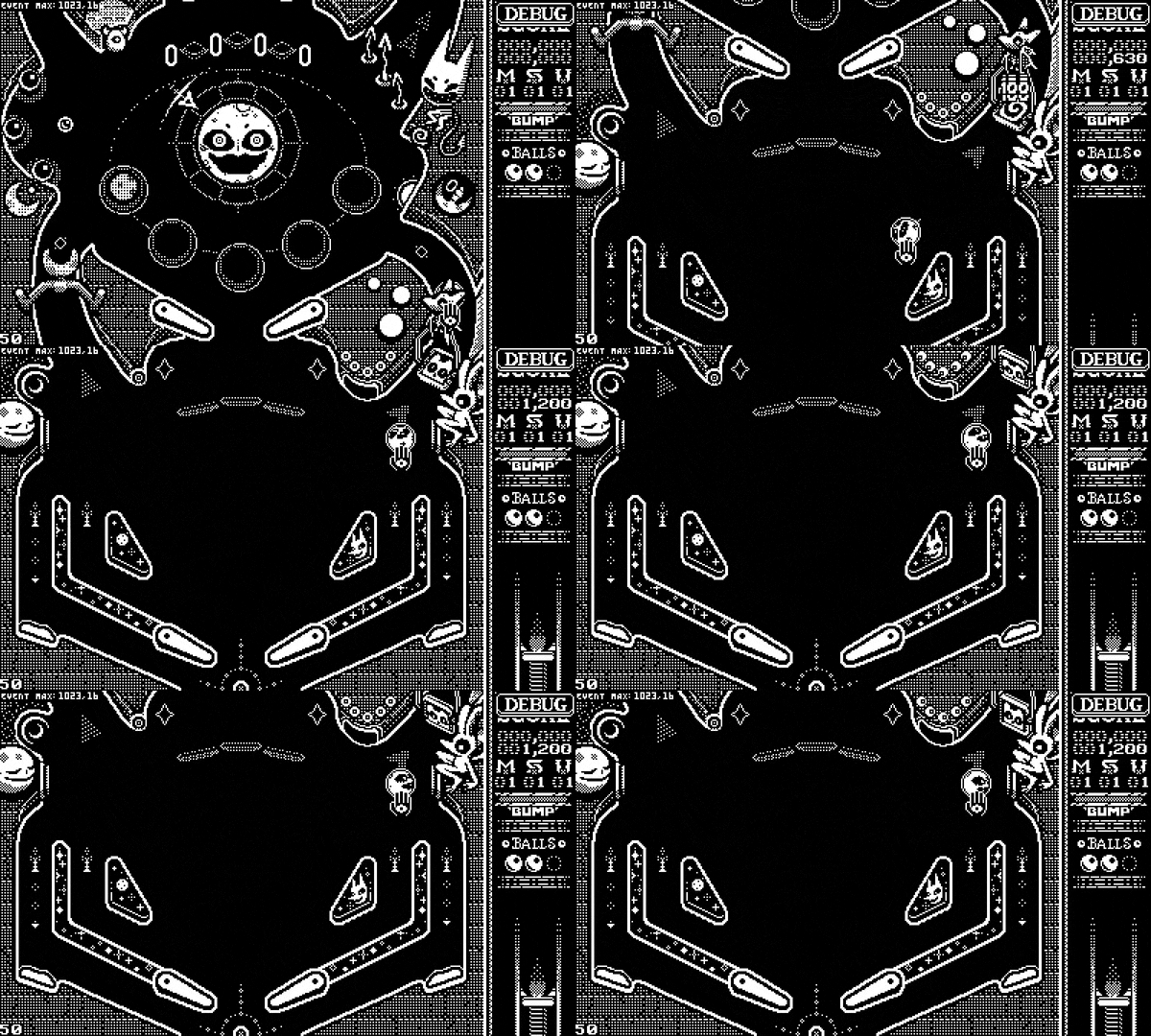
And now it looks great! So yeah, springs, I just think they are neat.






Comments